

Less admin
Automate routine updates and reduce calls, chasing and manual messaging.

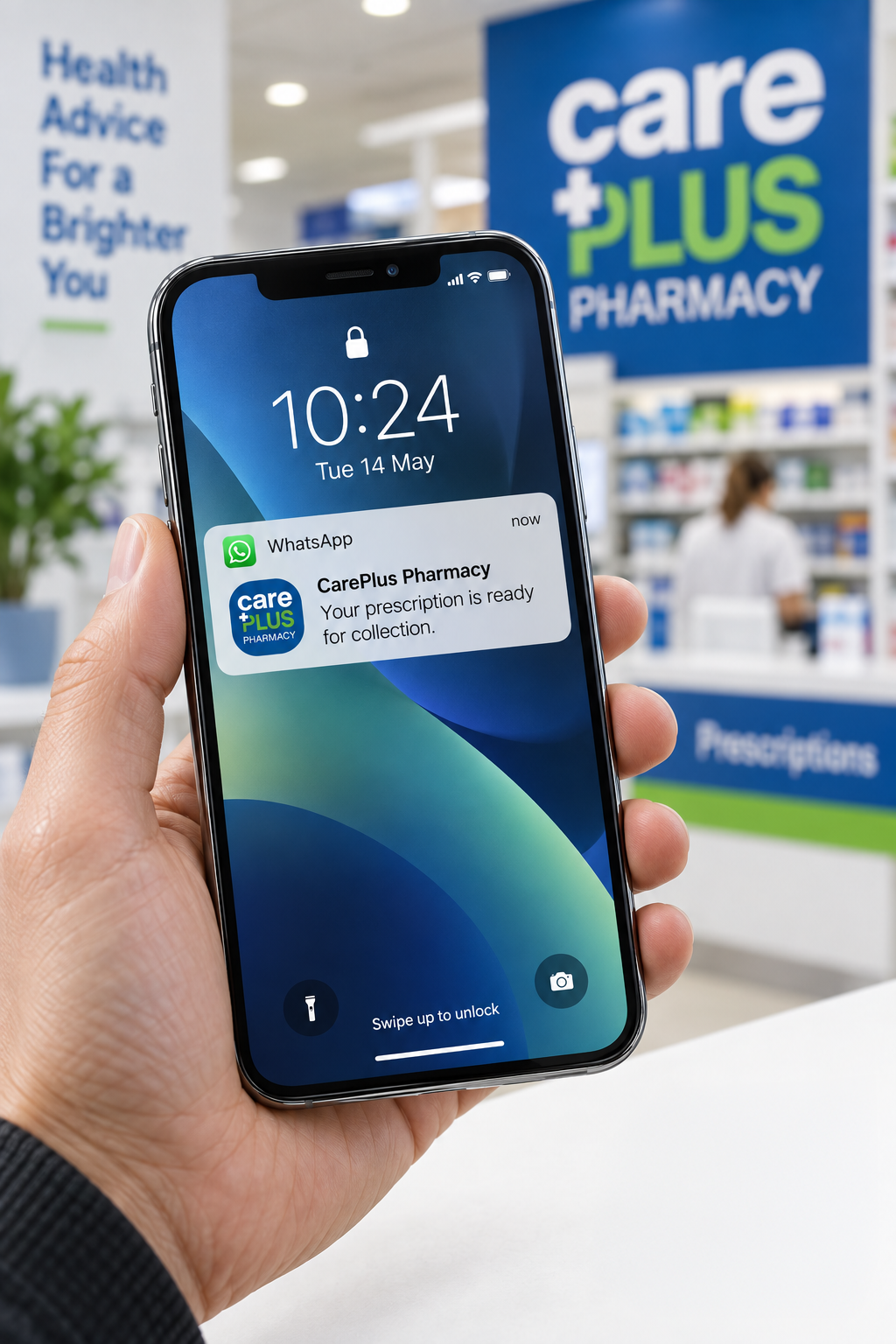
Connect gives pharmacies one connected, two-way inbox for patient communication across WhatsApp and email. Rather than staff manually sending routine updates or copying contact details between systems, Connect can automatically send the relevant patient update when a supported dispensing or account activity takes place in DispenSense or TillSense.
 One shared inbox, per pharmacy
 Automate routine updates and reduce calls, chasing and manual messaging.
Keep patients informed through the channels they already use, with two-way communication.
DispenSense and TillSense trigger the right message; patient replies return to the pharmacy team.
A supported dispensing or account activity takes place in DispenSense or TillSense.
Connect automatically sends the relevant patient update.
The patient receives the message through WhatsApp or email.
The patient can reply, and the pharmacy team can manage the conversation in Connect.
One shared inbox for each pharmacy's authorised team, with patient contacts, full conversation history and audit history. Includes support for WhatsApp Business onboarding.
Supported dispensing activity can trigger - Script Ready, Owing Ready, Healthmail Script Received and Prepare Upcoming Repeat. Patient replies are returned to the pharmacy team through the connected workflow.
Supported Customer Account activity can trigger - Payment Received and Outstanding Balance. Patient replies are returned to the pharmacy team through the connected workflow.
Script Ready and Healthmail Script Received
Owings Ready notifications
Prepare Upcoming Repeat confirmations
Payment Received and Outstanding Balance
DispenSense
Dispensing activity triggers supported messages
Connect
Sends messages, receives replies and keeps conversations together
TillSense
Customer Account activity triggers supported messages
Two-way communication — live today
Pharmacy staff continue working in DispenSense and TillSense as normal. Connect handles supported messages through WhatsApp or email and returns patient replies to the pharmacy team, reducing calls and manual messaging.